
AI Automation: Best Tools and Services for Growth
If your team is buried in manual updates, copy-pasting between systems, chasing approvals, and trying to make sense of disconnected tools, you do not have an effort problem. You likely have an automation problem.
AI automation gives businesses a practical way to reduce repetitive work, move faster, and get more value from the software they already pay for. The best results do not come from adding random AI tools to the stack. They come from choosing the right mix of ai automation tools, workflows, and ai automation services to solve the right operational bottlenecks.
For small and mid-sized businesses especially, the opportunity is huge: automate what slows the team down, improve reporting and visibility, and create smoother operations without a full systems overhaul.
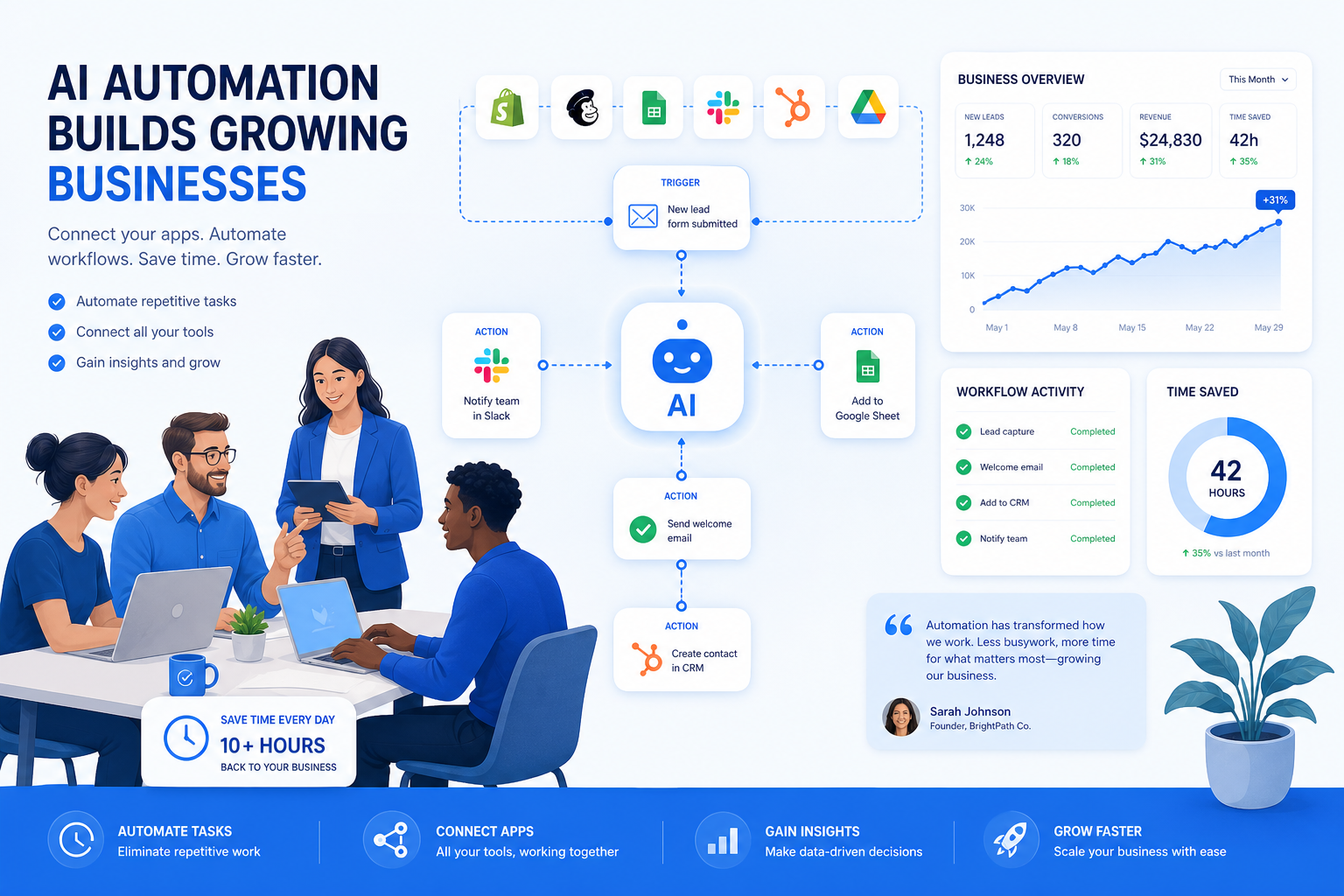
At OneThingSimpler, we see the same pattern often: companies buy more tools hoping to become more efficient, but end up with more handoffs, more duplicate work, and less clarity. That is why a smart first step is usually not “buy more AI.” It is understanding where work breaks down and where automation will have the biggest real-world payoff. In many cases, an AI tool stack audit for small business is the fastest way to uncover wasted effort and identify what should be automated first.
What AI automation actually means in business
AI automation is the use of artificial intelligence plus workflow logic to complete tasks, route decisions, and move work across systems with less human intervention.
Traditional automation can follow fixed rules:
-
When a form is submitted, send an email
-
When a payment clears, update a CRM
-
When a ticket is created, assign it to a queue
AI automation goes further:
-
Read an email and determine urgency
-
Summarize a meeting and create action items
-
Extract data from invoices or documents
-
Categorize leads by quality
-
Draft customer replies based on context
-
Identify anomalies in reporting or operations
In short, traditional automation moves data. AI automation can interpret it, prioritize it, and act on it.
Where businesses usually feel the pain first
AI automation tends to create the fastest wins in areas like:
-
inbox and email triage
-
reporting and dashboard updates
-
lead routing and CRM hygiene
-
customer support categorization
-
document processing and data extraction
-
internal requests and approvals
-
marketing operations and campaign workflows
-
recurring executive summaries
These are the jobs that quietly eat hours every week and create friction across teams.
“Over 40% of workers spend at least a quarter of their workweek on manual, repetitive tasks.” – Smartsheet
That is exactly why AI automation matters. It is not about novelty. It is about reclaiming time, reducing operational drag, and improving throughput.
What the best competitor content gets right – and where it falls short
Across the top-ranking articles on AI automation, several themes show up consistently:
What they cover well
-
Lists of popular automation platforms
-
Basic definitions of AI workflow automation
-
General use cases like email, sales, support, and content
-
Pricing overviews and simple tool comparisons
-
The idea that AI can reduce repetitive work
Where they often miss the mark
Most competitor articles stop at tool roundups. They do not spend enough time on:
-
how to decide between tools and services
-
when no-code is enough and when custom work is needed
-
how to avoid tool sprawl
-
how to improve an existing stack instead of replacing it
-
governance, reliability, and operational design
-
identifying the highest-value automation opportunities first
-
the hidden cost of disconnected systems and poorly designed workflows
That gap matters. Businesses do not just need more options. They need a way to choose wisely and implement practically.
The biggest mistake companies make with AI automation
The most common mistake is treating AI automation like a software shopping exercise instead of an operational design decision.
A company adds an AI note taker, a chatbot, a content assistant, and a few automations. But the tools do not connect well, reporting is fragmented, ownership is unclear, and manual work still exists between every step.
The result: more complexity, not less.
A better approach is to ask:
-
Where is work being repeated unnecessarily?
-
Where are people acting as human glue between systems?
-
Which tasks are high-frequency and low-judgment?
-
Which workflows create delays, rework, or blind spots?
-
Where would better automation improve margin, speed, or customer experience?
That is the difference between playing with AI and using AI to grow.
Best AI automation tools to pay attention to
Below is a practical breakdown of leading platforms. These are not all interchangeable. Each has strengths depending on your team, technical comfort, and complexity of workflow.
1. Zapier
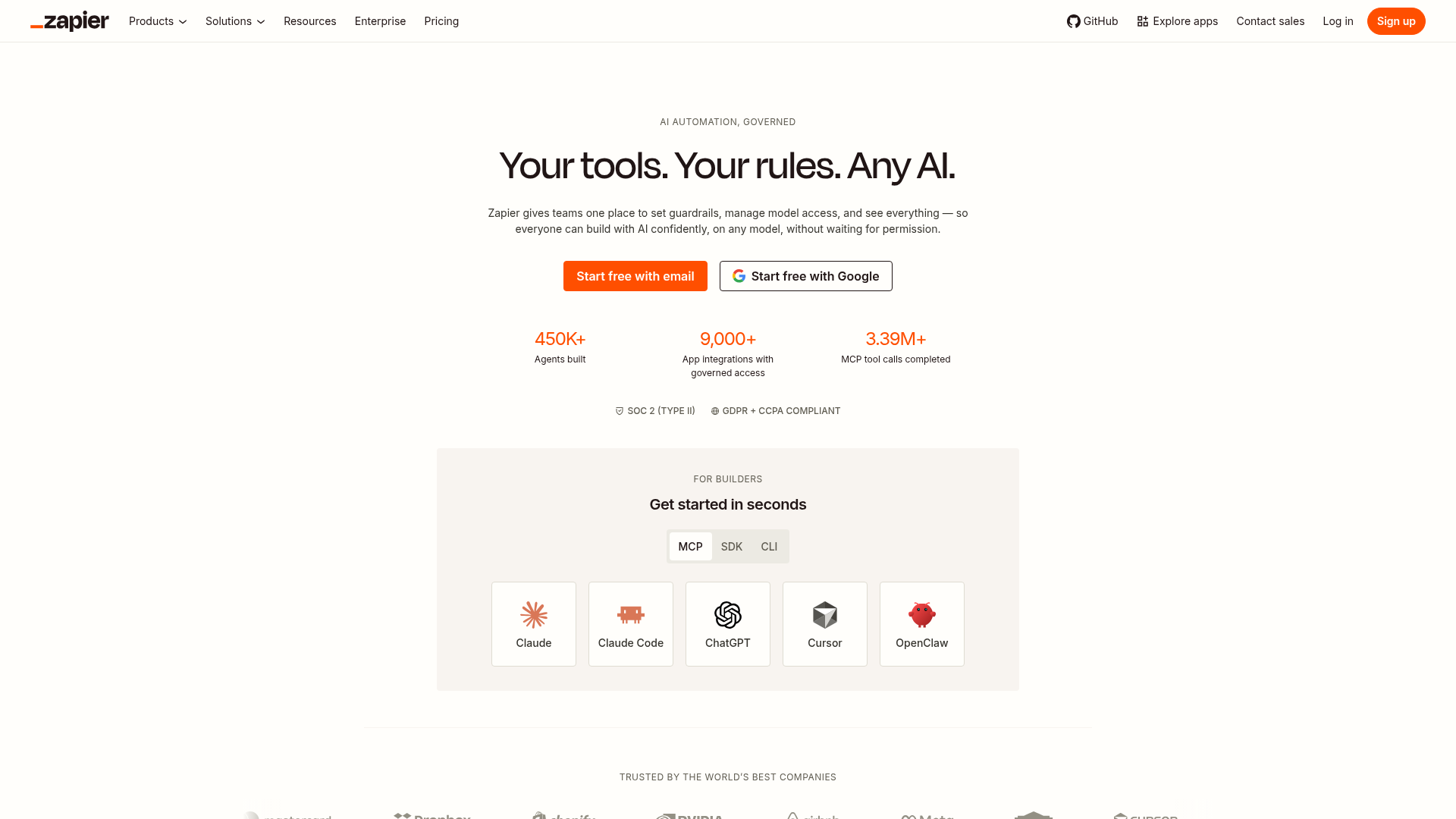
Zapier remains one of the most approachable ai automation tools for small businesses and teams that want quick wins without code.
Best for
-
connecting common SaaS apps
-
simple workflow automation
-
small teams and operators
-
fast setup with low technical overhead
Strengths
-
huge app ecosystem
-
user-friendly interface
-
fast to test and deploy
-
strong for admin and ops automations
Limitations
-
can become expensive at scale
-
complex logic gets messy fast
-
AI capabilities are useful, but not always deep
Zapier is often a good starting point. It is less often the final answer for businesses with complex multi-step workflows or heavy customization needs.
2. n8n
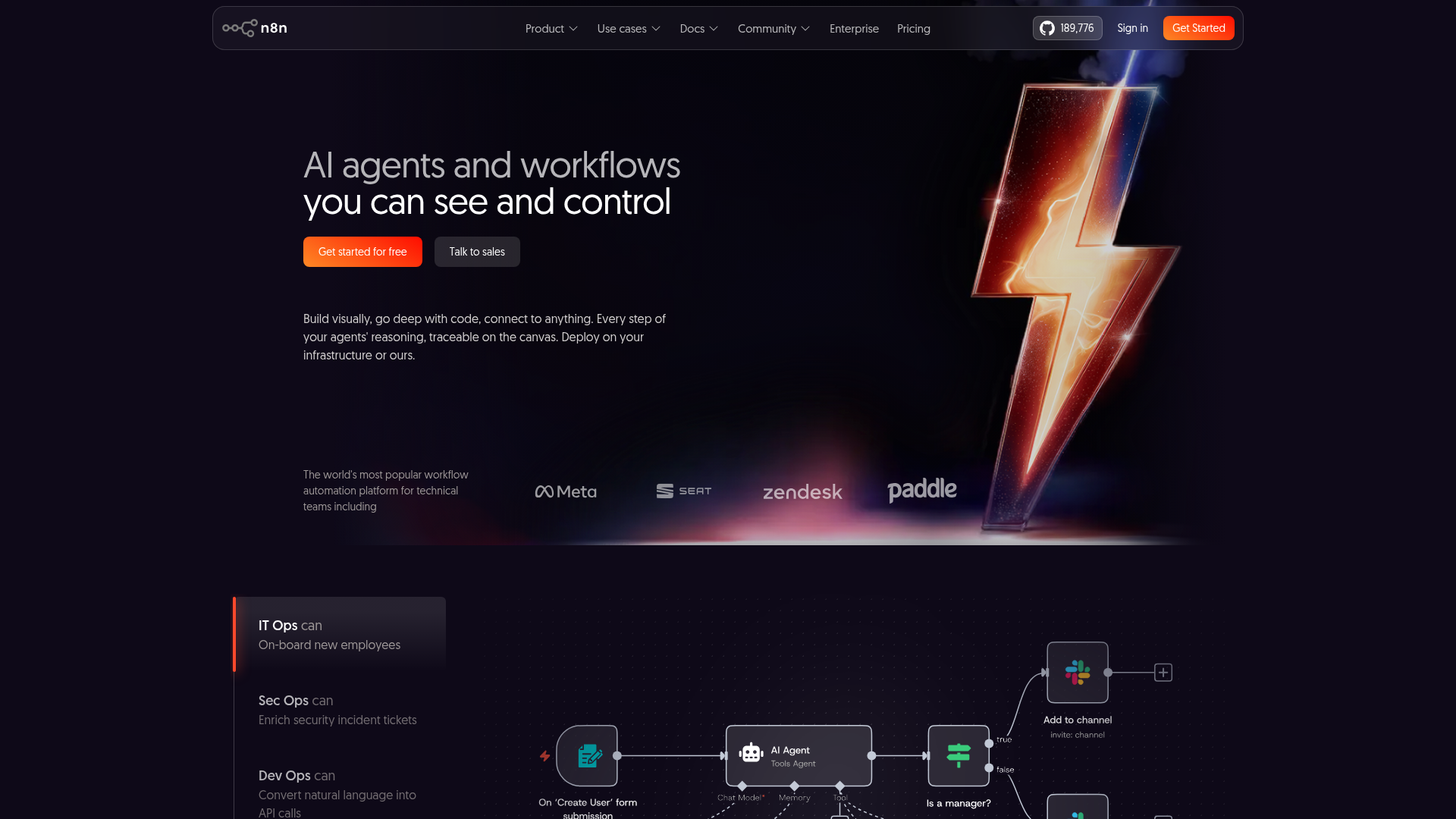
n8n has become a favorite for more technical teams that want flexibility, custom logic, and self-hosting options.
Best for
-
developer-friendly automation
-
API-heavy workflows
-
custom integrations
-
businesses wanting more control
Strengths
-
flexible workflow logic
-
open-source foundation
-
good for custom and advanced use cases
-
strong for teams comfortable with technical setup
Limitations
-
steeper learning curve
-
requires more hands-on management
-
not ideal for teams wanting plug-and-play simplicity
n8n is powerful, but power comes with responsibility. Without clear process design, even a great platform can turn into a fragile maze.
3. Make
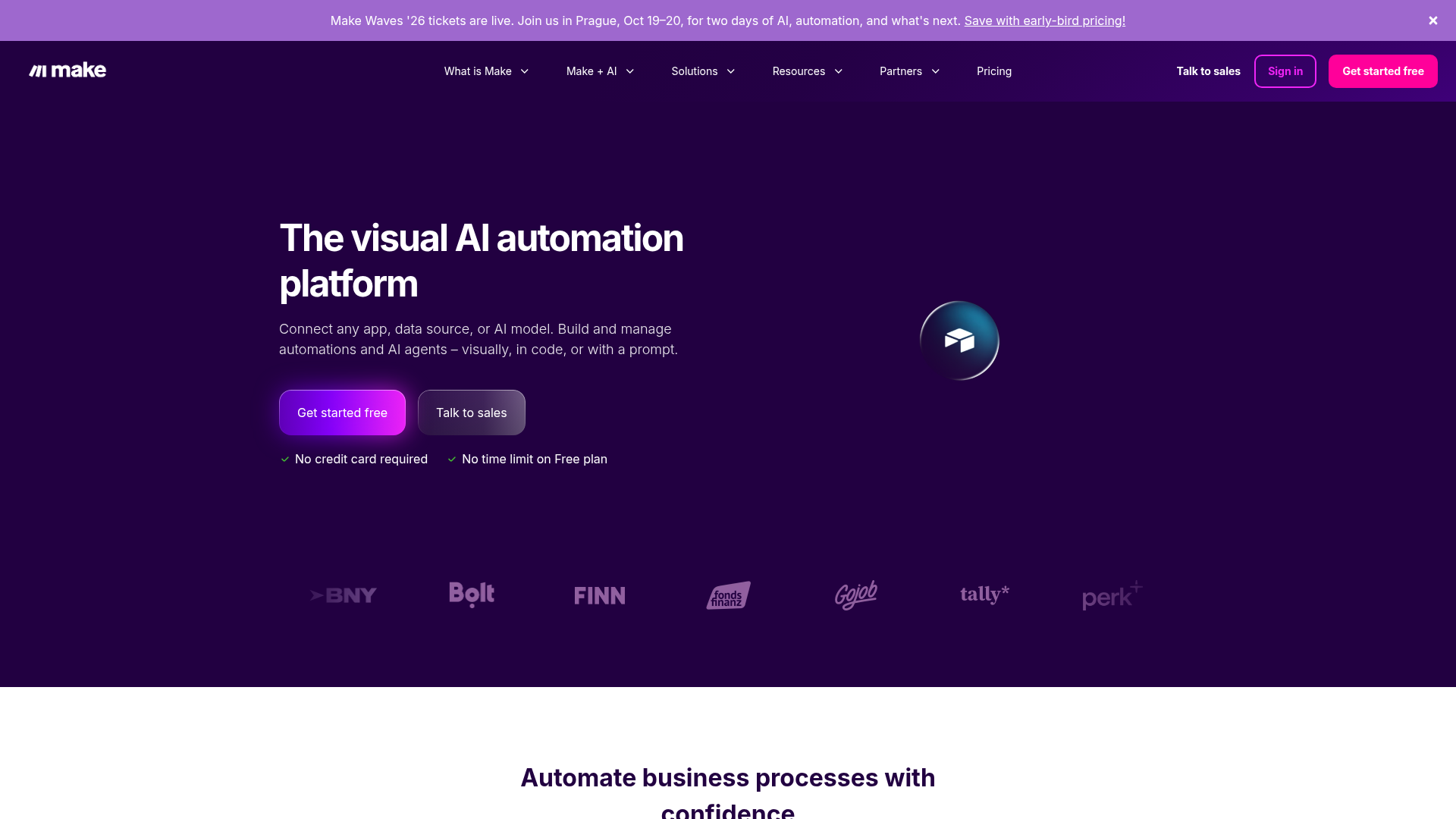
Make is popular for visually designing automations and stretching budgets further than some competitors.
Best for
-
visually mapping workflows
-
budget-conscious teams
-
medium-complexity automations
-
operations-heavy use cases
Strengths
-
attractive pricing for many teams
-
visual scenario builder
-
broad integrations
-
flexible enough for many SMB workflows
Limitations
-
UI can feel dense
-
debugging can be harder than expected
-
complex scenarios may become hard to maintain
Make is often a solid middle ground between simplicity and flexibility.
4. Workato
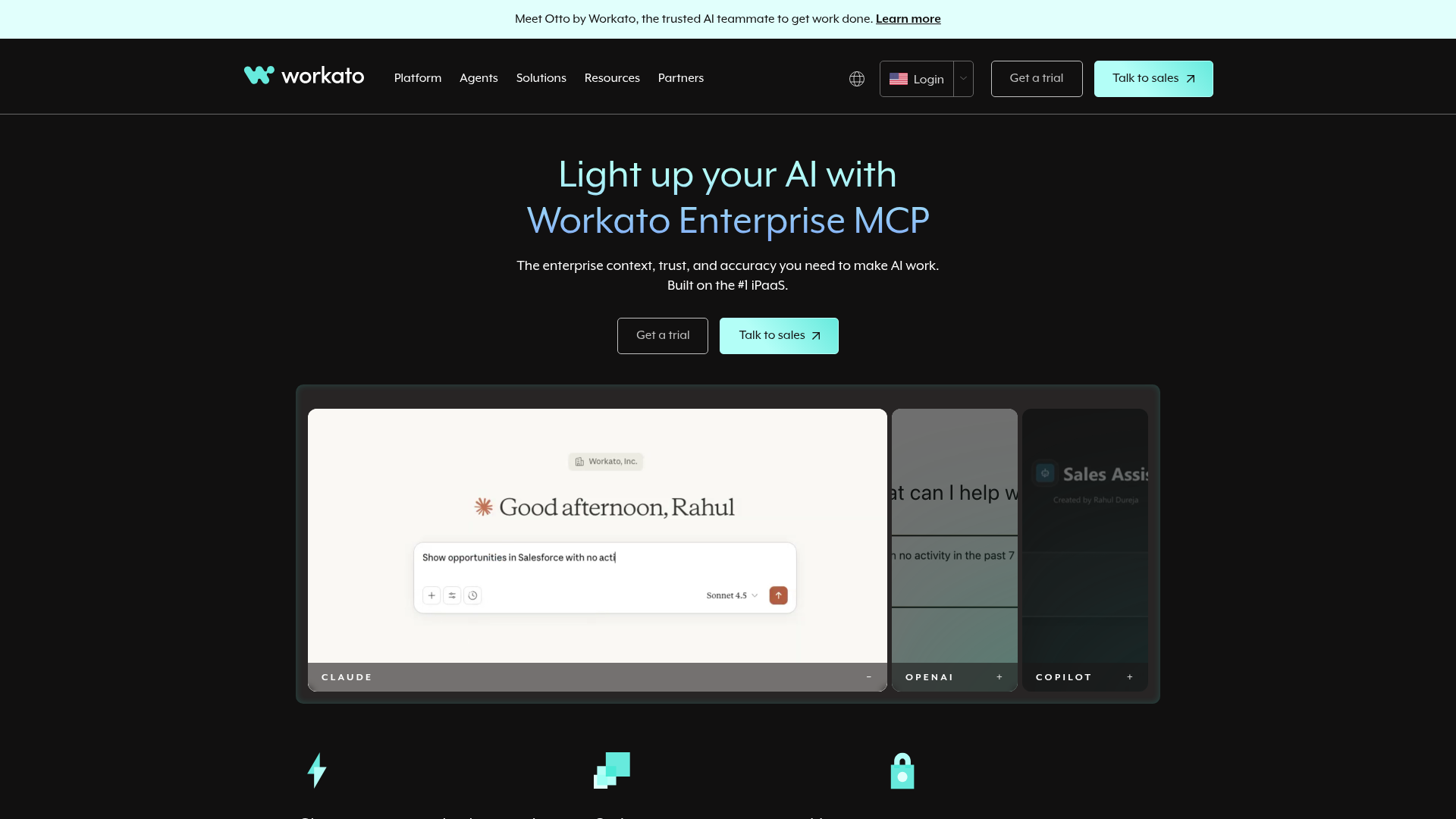
Workato is more enterprise-oriented and built for deeper orchestration across departments and systems.
Best for
-
larger organizations
-
cross-functional process automation
-
IT, HR, finance, and operations orchestration
-
governed workflows at scale
Strengths
-
enterprise-grade automation capabilities
-
broad system connectivity
-
stronger governance and collaboration features
-
suitable for cross-department operations
Limitations
-
higher cost
-
more involved implementation
-
may be overkill for smaller teams
Workato is impressive when process complexity justifies it. It is usually not the first recommendation for a smaller business looking for fast efficiency wins.
5. Lindy
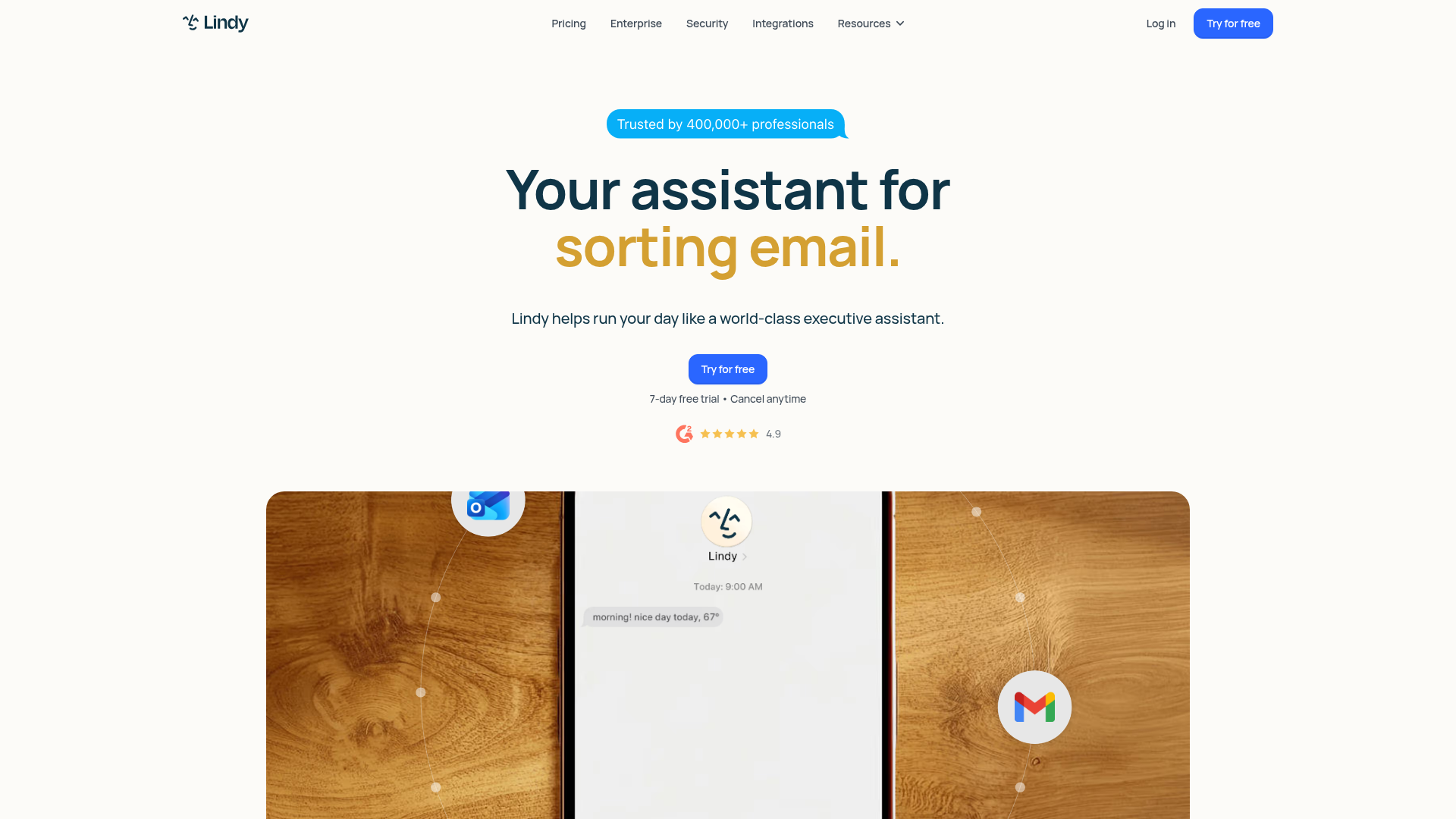
Lindy is positioned more around AI agents and assistant-style workflows, especially for email, scheduling, and execution-heavy tasks.
Best for
-
inbox and meeting workflows
-
AI assistant use cases
-
lean teams automating communication and follow-up
-
quick deployment of practical AI help
Strengths
-
strong agent-style functionality
-
useful templates
-
good for repetitive communication workflows
-
helpful for solo operators and lean teams
Limitations
-
less ideal for broad operational orchestration
-
more focused than general workflow platforms
-
some complex cases require iteration
Lindy can be valuable when your biggest pain is execution overhead around communication and coordination.
Comparing the tools at a glance
|
Tool |
Best Fit |
Ease of Use |
Flexibility |
Best For |
|---|---|---|---|---|
|
Zapier |
SMBs, non-technical teams |
High |
Medium |
Quick app-to-app automation |
|
n8n |
Technical teams |
Medium-Low |
High |
Custom logic and APIs |
|
Make |
Cost-conscious teams |
Medium |
Medium-High |
Visual workflow building |
|
Workato |
Enterprises |
Medium |
High |
Department-wide orchestration |
|
Lindy |
Lean teams, assistant workflows |
High |
Medium |
AI-driven execution tasks |
When tools are enough – and when they are not
This is the decision point many articles skip.
Use tools alone when:
-
your workflow is clear and repeatable
-
apps already have reliable integrations
-
the stakes are relatively low
-
your team has someone who can own setup and maintenance
-
the automation is mostly linear
Examples:
-
sending lead form data into a CRM
-
summarizing meetings into a project tool
-
sending weekly reports automatically
-
tagging inbound support requests
Consider AI automation services when:
-
systems do not connect cleanly
-
processes are messy, undocumented, or inconsistent
-
multiple teams are involved
-
you need dashboards, custom logic, or custom apps
-
automation errors would be expensive
-
leadership wants measurable ROI, not experimentation
-
there is no internal capacity to design and maintain workflows well
That is where ai automation services become far more valuable than another monthly subscription.
What AI automation services should actually include
Not all services are equal. Good AI automation consulting should go beyond “we can build a workflow.”
A strong partner should help you:
-
audit your existing tools and processes
-
identify inefficiencies and bottlenecks
-
prioritize high-value automation opportunities
-
connect disconnected platforms
-
design workflows that fit how your business really works
-
build custom AI solutions where off-the-shelf tools fall short
-
improve reporting, dashboards, and decision-making
-
create internal ownership and sustainable processes
That is the approach we take at OneThingSimpler. Instead of pushing a full overhaul, we focus on practical improvements that reduce manual busywork, cut operational costs, and help businesses grow with less friction. For organizations that need something beyond templates and connectors, our custom AI solutions and apps are designed around the business itself, not around the limitations of a generic platform.
A practical framework for choosing the right AI automation path
Use this framework before committing to a tool or service.
1. Start with the business problem
Do not begin with the platform. Begin with the bottleneck.
Ask:
-
What is taking too long?
-
What gets dropped?
-
Where are we duplicating effort?
-
What creates frustration for staff or customers?
2. Score workflows by value
Prioritize based on:
-
frequency
-
manual effort
-
error risk
-
business impact
-
visibility improvement
High-frequency, high-friction workflows usually deserve attention first.
3. Check the data and systems reality
An automation is only as good as the systems it depends on. If data is inconsistent or tools are siloed, fix that design issue early.
4. Decide build vs buy vs partner
-
Buy a tool for standard workflows
-
Build custom when the process is unique or strategic
-
Partner with a service provider when speed, complexity, or ROI matter more than DIY
5. Measure outcomes, not just automations
Track:
-
hours saved
-
cycle time reduction
-
fewer errors
-
faster response times
-
improved reporting visibility
-
reduced operational costs
“Less than 1% of C-suite executives reported a significant ROI from their AI initiatives.” – Forbes Research
That stat is important for one reason: most AI efforts underperform not because AI is useless, but because businesses chase tools without grounding them in operational value.
Real business use cases where AI automation pays off
Here is where businesses often see meaningful results fastest.
Sales and lead management
-
enrich leads automatically
-
score and route inbound opportunities
-
trigger follow-up sequences
-
create meeting prep summaries
-
keep CRM data clean
Customer support
-
categorize and prioritize tickets
-
generate draft replies
-
route requests by issue type
-
detect urgency or sentiment
-
build internal knowledge workflows
Finance and admin
-
extract invoice data
-
automate reconciliation steps
-
route approvals
-
generate recurring summaries
-
reduce manual spreadsheet work
Marketing operations
-
consolidate campaign reporting
-
generate content drafts
-
repurpose assets across channels
-
push lead data into downstream systems
-
automate dashboard updates
Executive reporting
-
create daily or weekly snapshots
-
summarize performance across systems
-
flag anomalies and trends
-
reduce time spent assembling updates manually
For leaders who want better visibility without chasing data across five tools, this is often one of the highest-value starting points. A good example of practical reporting simplification is a centralized executive summary workflow, like this CEO snapshot email automation, which turns scattered information into a clear decision-ready update.
Why custom AI automation often beats adding another app
Off-the-shelf tools are useful, but they are built for common use cases. Your business probably has a few uncommon ones.
That is where custom AI automation creates leverage.
Custom solutions are especially valuable when you need to:
-
combine data from multiple systems in one workflow
-
automate around unique internal processes
-
create team-specific dashboards or interfaces
-
embed AI into a current workflow rather than add another destination
-
preserve your existing stack while making it work better together
This is one of the core reasons businesses work with OneThingSimpler. Instead of telling you to replace everything, we help connect the tools you already use, remove waste between them, and build practical systems around the way your business actually runs.
Common risks to avoid with AI automation
AI automation can be extremely useful, but only if it is implemented responsibly.
Watch out for:
-
automating broken processes
-
poor data quality
-
no clear workflow owner
-
overcomplicated automations nobody can maintain
-
too many disconnected AI tools
-
lack of testing or fallback logic
-
no measurement of business impact
A smart automation strategy simplifies operations. A bad one creates hidden dependencies and confusion.
What a good implementation process looks like
A strong rollout usually follows this order:
-
Audit current workflows and tools
-
Identify high-friction, high-value opportunities
-
Map the process clearly
-
Choose the right tool or service model
-
Build and test with real edge cases
-
Add reporting and visibility
-
Assign ownership
-
Measure outcomes and refine
This is why businesses often benefit from outside guidance. The real work is not just building automation. It is choosing the right automations, designing them well, and making sure they continue delivering value.
Final verdict: the best AI automation strategy is the one that simplifies your business
There is no single best tool for every company. The right answer depends on your workflows, systems, team capacity, and goals.
If you need quick wins, a platform like Zapier, Make, or Lindy may be enough.
If you need deeper control, n8n may be the better fit.
If you are orchestrating across large teams and systems, Workato may make sense.
But if your business is dealing with unclear processes, disconnected tools, weak visibility, and too much manual busywork, the bigger opportunity is not just choosing a tool. It is designing a smarter operating system for the business.
That is where OneThingSimpler can help.
We help companies make AI practical, accessible, and focused on real outcomes: less repetitive work, smoother workflows, better reporting, lower operational drag, and stronger capacity for growth. Whether you need an audit, workflow automation, better system integration, or tailored AI implementation, we focus on solving the right problems first so the technology actually pays off.
If you are ready to stop patching together more tools and start building a simpler, more effective operation, explore our AI automations and integrations or reach out to discuss where automation can create the fastest gains in your business.